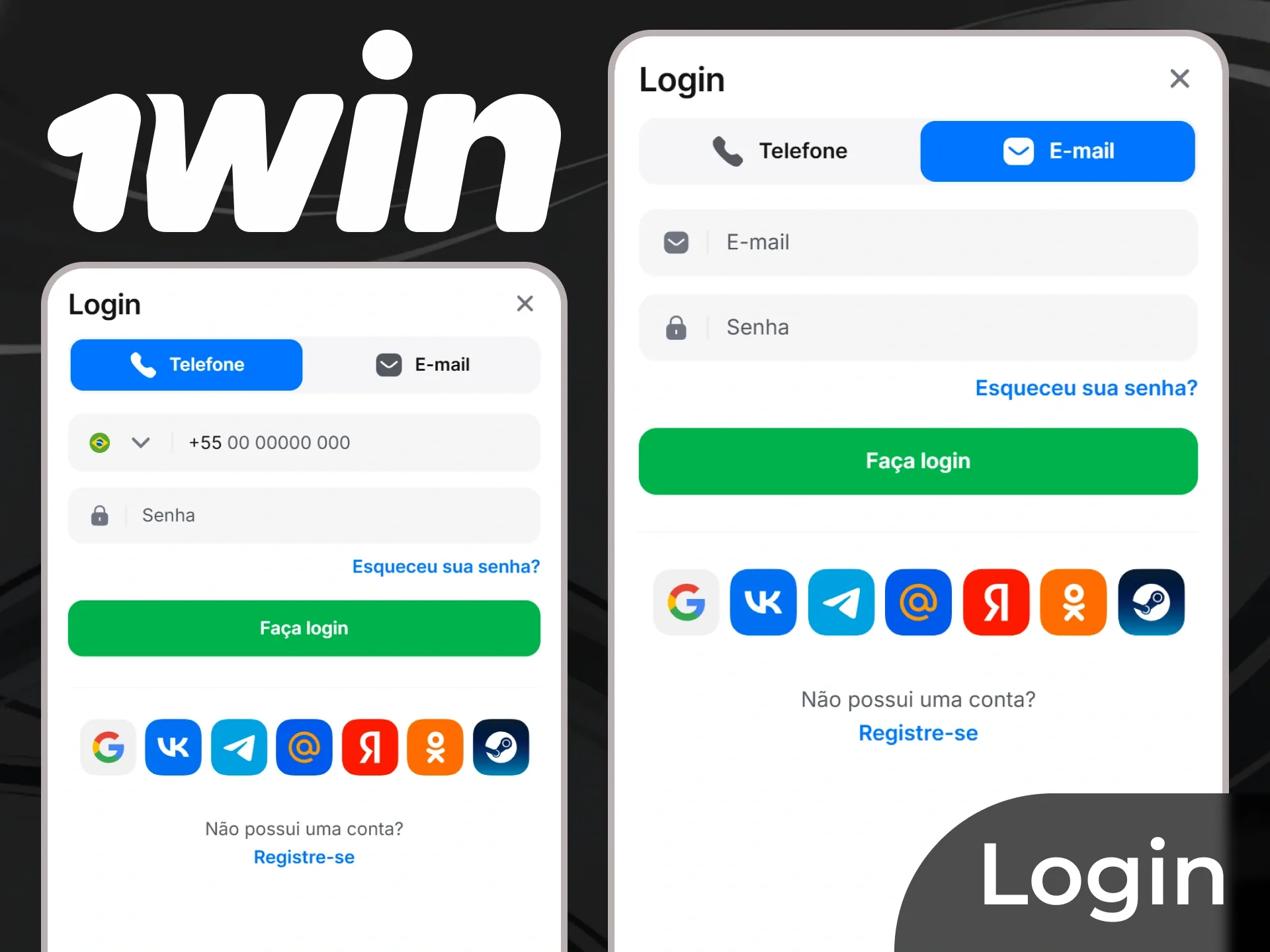
This page explains the fields and common difficulties in that process. It does not open accounts or confirm eligibility in Brazil. Before any registration, check territorial restrictions, the minimum age of 18 and the service’s rules. A translated interface does not replace that assessment.
Reading the outcome of each verification step
| Stage | Purpose | What it does not prove on its own |
|---|
| Form submission | Record the supplied information | Completed document verification |
| Email confirmation | Demonstrate access to the stated contact | Ownership of a payment method |
| Phone confirmation | Validate the requested channel | Absence of other outstanding checks |
| Identity review | Connect the document with the registered person | Guaranteed approval of every transaction |
| Transaction review | Examine a specific request | Permanent clearance for every future transaction |
Look for the specific subject of each confirmation. Verifying a contact channel is different from verifying the account holder. Where a notice leaves this unclear, consult the profile status before treating the full process as complete.
Resolving mistakes in account holder details
Use the actual holder’s name, date of birth and other requested details. Someone else’s information should not be used to work around a restriction, and an error should not prompt a second registration. Duplicate profiles can complicate identity checks.
If something differs, record the incorrect field and locate the update procedure. Send only the necessary material through the designated channel. Correcting a phone number does not mean bank evidence showing another holder will be accepted; each mismatch must be addressed in context.
Identity verification: interpreting a request
KYC is customer identity verification. Depending on the reason for the review, the responsible service may ask for identification, address evidence or proof of payment-method ownership. Understand a request through its purpose rather than assuming every check is identical.
The document should be readable and match the account information. Do not alter names, dates or other elements to force a match. Where instructions specify which parts need to remain visible, follow them through the official channel; avoid sending unnecessary additional information.
The published 24-hour reference
The reference guidance mentions 24 hours for verification. This is not a completion guarantee. An unreadable file, an outstanding document or further review may require another step. Keep the submission time and monitor the status, particularly if the account requests more information.
If the stated timeframe has passed, describe the material already submitted and ask for an update. Repeatedly sending documents through several channels may make the case harder to track. Retain the support reference and written response without including passwords or temporary codes.
Login: accessing an existing account
The login area provides access to an account already created. If the contact or password is not recognized, first check the domain and the method used previously. Authentication linked to another service may follow a different route from an email login.
On a shared device, avoid saving credentials and sign out when finished. If additional authentication is offered, protect its recovery methods. Never give a one-time code to someone claiming it is needed to release a balance or speed up support.
Forgotten password or lost contact access
Use the existing account’s recovery mechanism. Check that a reset message corresponds to the request you just made and that its address is expected. An unexpected link is not trustworthy merely because it displays the brand name.
If the issue is lost access to an email address or phone number, a simple reset may not be enough. Locate the contact-update process and ask which evidence is required. Do not give support control of your email inbox or share banking codes.
| Problem | What to check | What to avoid |
|---|
| Password rejected | Domain, login method and recovery | Creating another account |
| Code did not arrive | Submitted contact and request status | Sharing codes with third parties |
| Document remains pending | Readability and specific requirement | Editing document information |
| Account restricted | Message, reason and support reference | Bypassing the restriction with another identity |
Promotional codes and registration are separate decisions
Published material using the code 1WBRASIL mentions 500% up to R$ 11,274. Another welcome reference gives a cap of R$ 1,020. These figures belong to different descriptions and must not be added together. Entering a code, where that field exists, does not establish promotional eligibility.
Before linking a benefit to an account, identify the terms, period, calculation base and effect of a withdrawal on promotional credit. Registration confirmation does not prove a bonus has been credited either. The history needs to show the benefit and matching campaign. Read the bonus explanation for the preserved figures.
After signing in: review the account
Check contacts, notifications and history. If an unfamiliar transaction appears, prioritize account and payment-method protection, preserve the records and report the discrepancy through the confirmed channel. Do not remove evidence before recording its identifier.
Device settings and account settings are also different. Uninstalling the app or clearing the browser does not close the registration. For a pause or closure, request the appropriate process and keep confirmation.
Registration questions
Does email confirmation complete KYC?
▼Not necessarily. It demonstrates access to the contact channel. Document review may be a separate stage.
Does the 1WBRASIL code guarantee a bonus?
▼No. The 500% and R$ 11,274 cap are a published campaign reference. Eligibility and crediting depend on the corresponding conditions.
Does review always finish within 24 hours?
▼No. This is a timeframe mentioned in the reference material, subject to outstanding requirements and additional review. Check the request status and support reference.
Can I open another account if I forget my password?
▼Recovering the existing account is the appropriate procedure. A new account does not resolve its link with your details and may create mismatches.
Can 1w-brasil.com correct my account details?
▼No. This information website cannot access platform registrations. Changes must be handled by the account’s responsible service.
Who wrote this review
Juan Alberto Rodriguez Moralez
Senior iGaming Analyst · 5 years in the industry
Juan Alberto Rodriguez Moralez has reviewed 200+ casino titles with a focus on crash and instant games for the Indian market since 2021. He holds a certification in Responsible Gambling Practice from the Responsible Gambling Council and has contributed game analysis to three India-focused affiliate publications.